
Download Voice Calculator – voice calculator, calculator app, Android calculator, free calculator, voice input calculator, math calculator, large number calculator, percentage calculator, power calculator, root calculator, on-screen keyboard, Android utility
Overview
Voiced Calculator is a mobile application developed by ATNSOFT, designed to streamline mathematical computations on Android devices. The software serves as a versatile digital tool for individuals seeking a reliable and efficient method to perform calculations without relying solely on traditional input methods. Its primary purpose is to simplify arithmetic tasks through an intuitive interface combined with advanced voice input functionality. This makes it particularly useful for users who require quick calculations in dynamic environments—such as students solving equations, professionals managing financial data, or anyone handling everyday math operations.
The app supports voice input in English and multiple other languages, enabling users to speak mathematical expressions aloud and receive immediate results. This feature enhances accessibility and speeds up input, especially for complex operations. Additionally, the software allows users to manage multiple calculation screens, switching between them via horizontal swipes along the top edge.
All performed calculations are stored in a history log, where users can review, edit, and reuse expressions and results. The application also supports advanced mathematical functions, including exponentiation, nth root extraction, and percentage calculations, even with large numbers. The developer did not provide additional system requirements or details about target user demographics beyond general use cases.
Key Features & Capabilities
- Voice Input Support – Users can speak mathematical expressions in English and multiple languages to instantly calculate results, reducing manual typing effort.
- Multi-Screen Calculation – Enables switching between up to five calculation screens using a horizontal swipe gesture, ideal for managing multiple tasks simultaneously.
- Calculation History – Automatically records all performed operations, allowing users to review, edit, and insert expressions and results into a built-in editor.
- Advanced Mathematical Functions – Supports exponentiation (raising to the n-th power), root extraction (n-th root), and percentage calculations, even with large numbers.
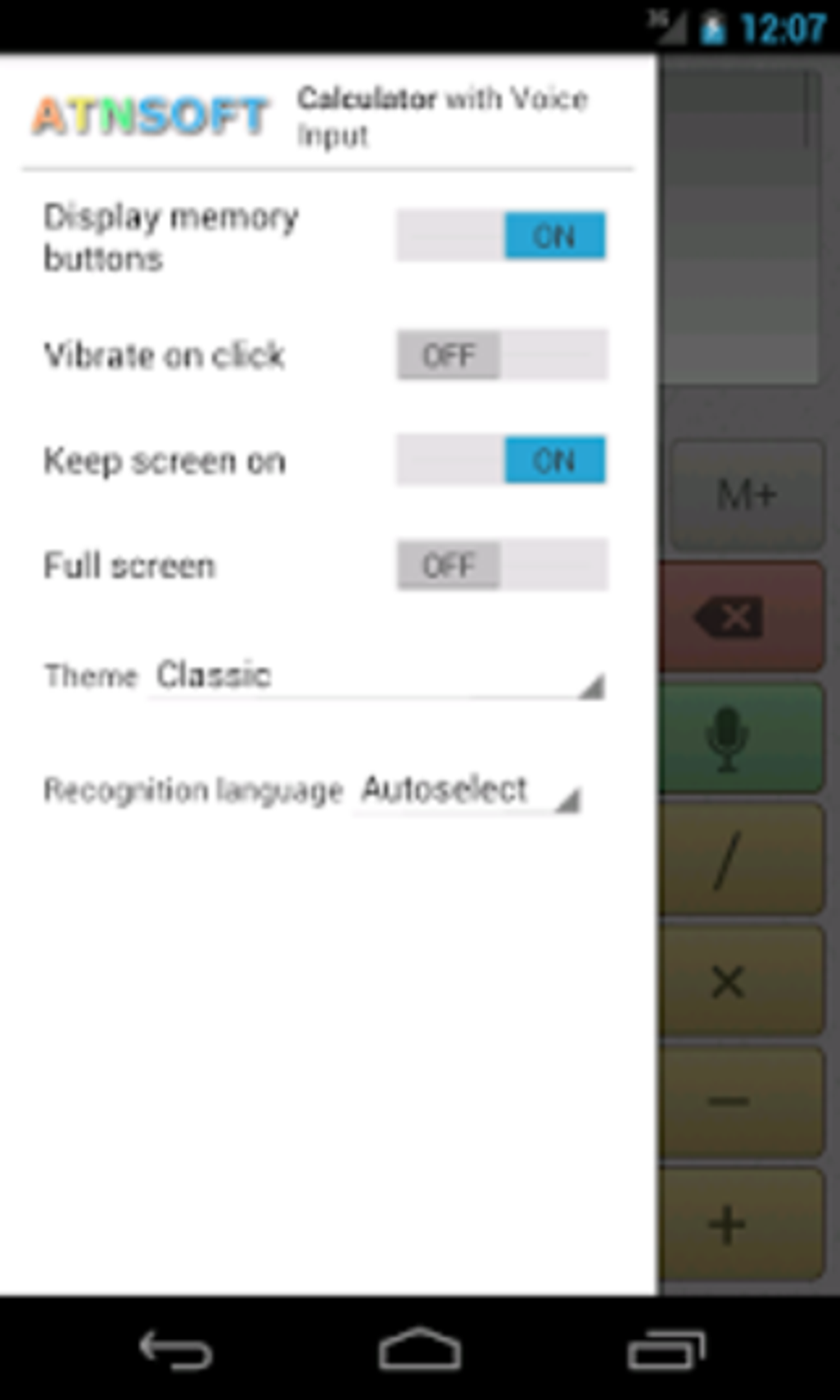
- Customizable Settings – Accessible via a left-edge swipe or menu button, offering users control over app behavior and preferences.
- Pro Version Incentive – The free version includes an advertising banner, but users can unlock the Pro version by contributing content such as YouTube videos, blog posts, or translations.
These features cater to users who value efficiency, accuracy, and flexibility in daily math tasks. For example, a student can use voice input to solve algebraic equations while taking notes, or a professional can compare multiple financial scenarios across different screens. The history function ensures that no calculation is lost, promoting continuity and traceability. While the free version has limitations, including a cap on screens and memory cells, the Pro version offers an enhanced experience through removal of ads and expanded functionality. The developer did not specify whether the Pro version is available via direct purchase or exclusively through content contributions.
User Interface, Workflow & Performance
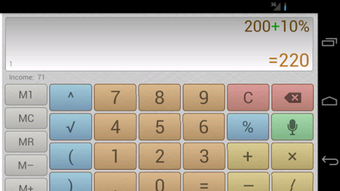
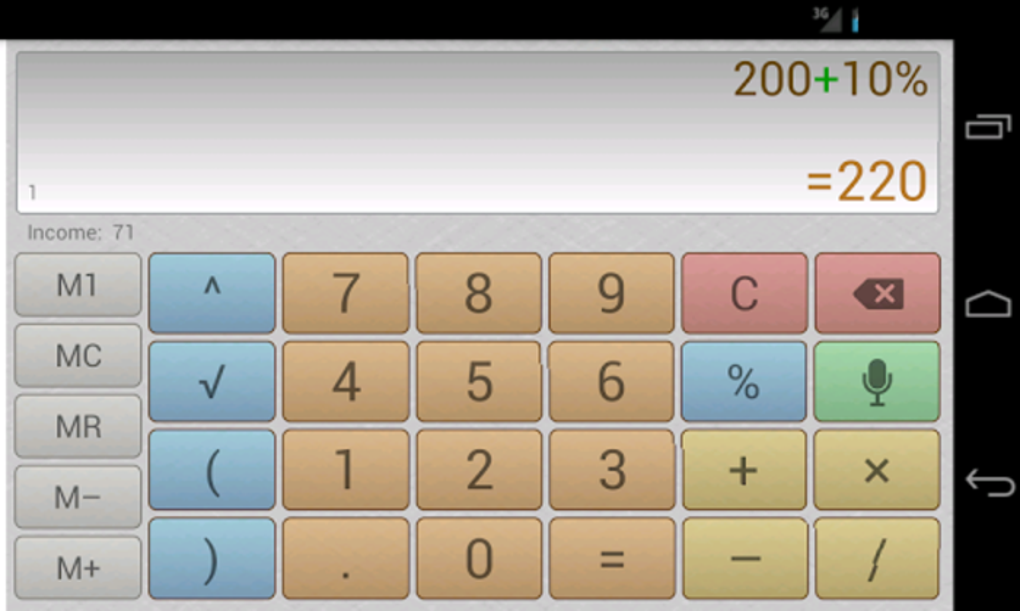
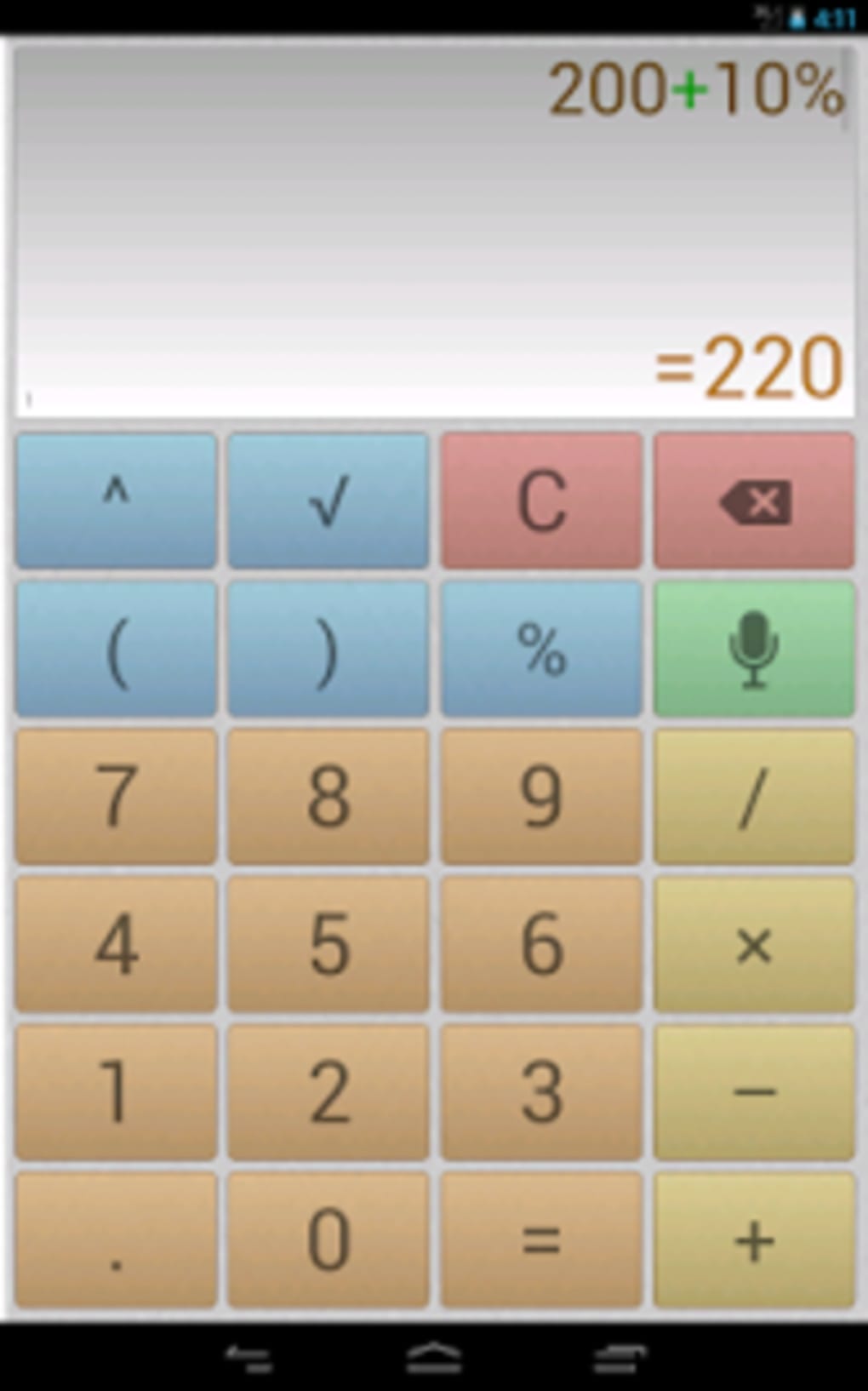
The user interface of Voice Calculator is designed with simplicity and ease of navigation in mind. The on-screen keyboard is ergonomically laid out to minimize input errors and improve typing speed. Navigation is primarily gesture-based, with horizontal swipes at the top edge enabling seamless transitions between calculation screens. This gesture-based workflow enhances efficiency, especially for users accustomed to modern touch interfaces. The layout remains consistent across screens, promoting familiarity and reducing cognitive load.
Workflow efficiency is supported by the integration of voice input and history tracking. Users can initiate calculations verbally, switch between tasks, and revisit past results without re-entering data. The performance of the app appears stable under typical usage conditions, though exact performance details were not specified.
The developer did not provide information about CPU or RAM usage, so observations are based on general software behavior patterns. Stability during prolonged use and responsiveness to voice commands were not evaluated in this review. The app’s lightweight size of 3.5 MB suggests minimal impact on device storage, but resource consumption during operation remains unverified.
Compatibility & System Requirements
Voice Calculator is compatible with Android operating systems, as stated in the provided information. The software version is 1.0.0, and the installation size is 3.5 MB. The developer did not specify minimum hardware requirements, such as RAM, processor speed, or available storage beyond the file size.
Compatibility information was partially provided, with no details on supported Android versions or device types. The app is designed for mobile devices, but specific device compatibility (e.g., tablets vs. smartphones) was not mentioned. Users should ensure their Android device meets general system standards for running third-party applications, though exact specifications are not available.
Pros and Cons
Pros
- Intuitive voice input for hands-free calculation in multiple languages
- Multi-screen functionality supports simultaneous task management
- Comprehensive calculation history with editing and reuse capabilities
- Supports advanced mathematical operations including large numbers and powers
- Lightweight size (3.5 MB) with minimal storage impact
- Pro version accessible through content creation, promoting community engagement
Cons
- Free version limited to 5 calculation screens and 5 memory cells
- Includes an advertising banner in the free version
- Exact system requirements and performance metrics not provided
- Pro version availability via purchase not confirmed; relies on content contributions
- No information on offline functionality or cloud sync features
FAQ Section
Is Voice Calculator available for free?
Yes, the app is available for free download from the Android platform. However, it includes in-app purchases and advertising in the free version.
Can I use Voice Calculator offline?
The developer did not specify whether the app requires an internet connection. Based on typical calculator app behavior, most core functions likely work offline, but this was not confirmed in the provided information.
What devices are compatible with Voice Calculator?
The software is designed for Android devices. Specific compatibility details, such as supported Android versions or device types, were not provided.
How can I access the Pro version?
Users can unlock the Pro version by creating a YouTube video, blog post, article, or high-quality translation of the app’s text into another language. A direct purchase option was not confirmed.
Does Voice Calculator support multiple languages for voice input?
Yes, the app supports voice input in English and multiple other languages, as stated in the description. The exact list of supported languages was not specified.
Final Thoughts
Voice Calculator presents a modern, accessible solution for users seeking a fast and accurate way to perform mathematical operations on Android. Its combination of voice input, multi-screen management, and comprehensive history tracking offers a compelling experience for students, professionals, and casual users alike. The app’s lightweight design and gesture-based navigation enhance usability, while its support for advanced mathematical functions expands its practical applications.
Although the free version includes limitations and ads, the alternative path to the Pro version through community contributions adds a unique incentive. For those who value efficiency, flexibility, and hands-free operation, this tool delivers strong value. Download Voice Calculator now.






.png)
